
Email Header Analysis: Detecting Suspicious Activity
Every email carries invisible metadata that reveals far more than the sender’s name. The From field, Received chain, Reply-To address, and authentication results for SPF, DKIM, and DMARC are the fields that most reliably expose spoofing, phishing, and domain impersonation. When these fields contradict each other — or show unexpected relay hops through foreign servers — you have a strong signal that something is wrong.
Email-based attacks have grown more sophisticated, with research on phishing in the age of distributed intelligence documenting how evolving taxonomies and AI-driven strategies have outpaced traditional detection methods. According to Proofpoint, 82% of phishing emails now use AI-generated content, making grammar checks useless as a detection method. Technical analysis of email headers has become one of the few reliable ways to catch threats that look completely legitimate on the surface.
This guide walks through how email header analysis works, what red flags to look for, and how businesses operating across complex international environments can stay ahead of email-based threats.
Key Takeaways
Every email header contains metadata fields that can expose spoofing, forged senders, and unauthorized relay paths
The Received chain, Reply-To, and Return-Path fields are among the most frequently manipulated in phishing attacks
SPF fail, DKIM none, and DMARC fail results in the authentication header are clear indicators of impersonation
Proactive, automated monitoring catches email threats that one-time manual checks miss entirely
What Is Email Header Analysis and Why Does It Matter for Email Security?
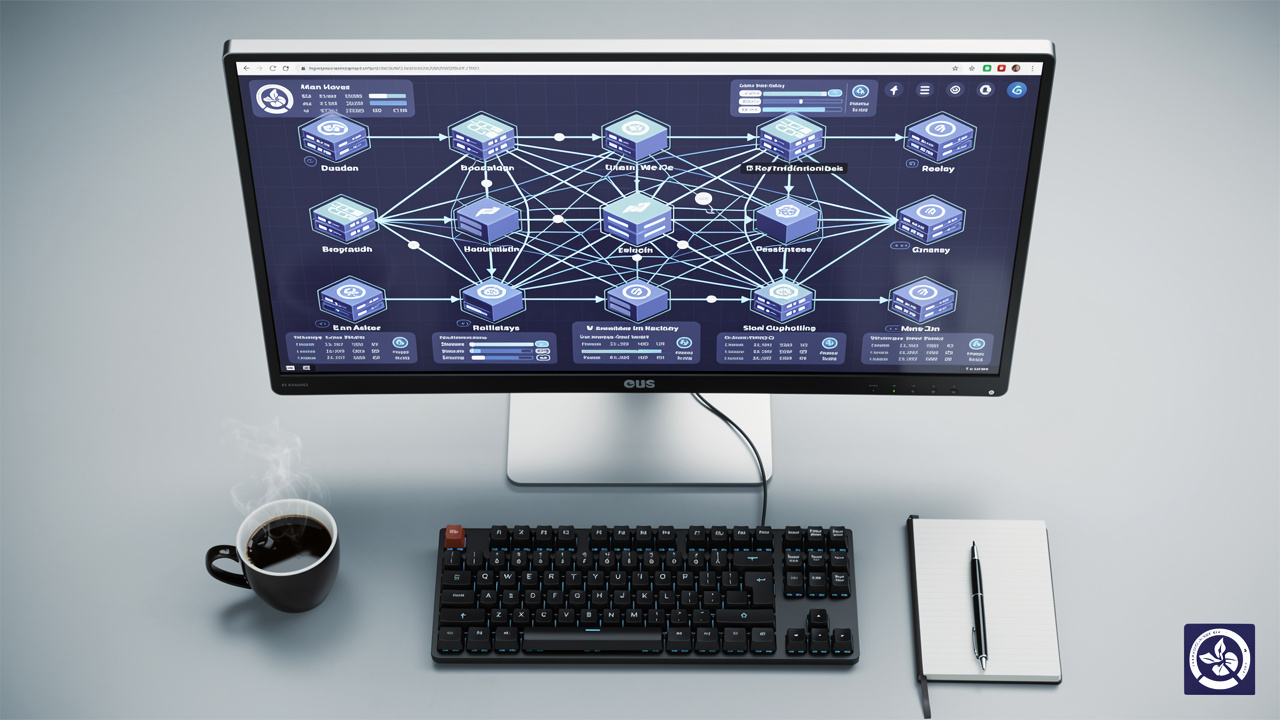
Email header analysis is the process of reading the hidden metadata attached to every email to verify its true origin, identify relay paths, and check whether authentication protocols passed or failed. Where the visible email body shows you what an attacker wants you to see, the header shows you what actually happened technically — making it a frontline tool for phishing email detection and email spoofing detection.
Every email header contains several layers of information that the average recipient never sees. These include:
Sender IP addresses and the originating mail server
Received chain entries showing every server the message passed through before delivery
Return-Path and Reply-To fields which can differ from the visible From address
Authentication results showing whether the message passed SPF, DKIM, and DMARC checks
Why does this matter right now? The threat picture has shifted dramatically. As Sara Pan, Senior Product Marketing Manager at Proofpoint, noted:
“Grammatical errors are no longer a strong indicator of a phish. Adversaries have tapped into the power of GenAI to raise the volume, scale, and sophistication of their attacks.” — Sara Pan, Proofpoint
AI-generated phishing emails now achieve a 54% click-through rate compared to just 12% for traditional campaigns, a gap explored in depth in research on clicks or chaos: understanding genuine ad and email engagement metrics. Human judgment alone cannot keep pace, as confirmed by preliminary empirical findings: human detection of AI-generated phishing showing consistently poor accuracy across multiple technique categories.
Email metadata analysis fills that gap. It gives IT managers and security teams an objective, technical layer of scrutiny that works regardless of how convincingly written a malicious email appears. For a practical step-by-step walkthrough, Mailfloss offers a clear guide worth bookmarking.
How to Read Email Headers and Spot Malicious Email Indicators

Reading email headers sounds technical, but the core logic is straightforward: legitimate emails leave a clean, traceable path. Suspicious ones do not. Here is what to examine when you pull up a raw email header.
Key fields to check in order:
Return-Path — This should match the sender’s declared domain. A mismatch between Return-Path and the From address is a common phishing indicator.
Received chain — Read from bottom to top. Each hop represents a mail server that handled the message. An unexpected relay through an IP address in an unrelated country, or an unusually long relay chain, is a serious red flag for email header forensics.
Reply-To mismatches — If the Reply-To address points to a different domain than the From address, replies will go somewhere the sender did not disclose. This is one of the most overlooked malicious email indicators in standard email trace analysis.
Authentication-Results — This field summarizes the SPF, DKIM, and DMARC outcomes.
The table below shows the difference between a clean header and a suspicious one:
| Field | Clean Header | Suspicious Header |
|---|---|---|
| Return-Path | Matches From domain | Different domain entirely |
| Received chain | 2–3 hops, known servers | Multiple hops, foreign IPs |
| Reply-To | Same as From | Different address/domain |
| SPF Result | spf=pass | spf=fail |
| DKIM Result | dkim=pass | dkim=none |
| DMARC Result | dmarc=pass | dmarc=fail |
Studies on evaluating the behavioral and technical effectiveness of AI-generated phishing confirm that authentication failures remain among the most reliable technical signals for identifying malicious messages — three of which no IT team should ignore:
spf=fail means the sending server is not on the domain’s authorized list — a direct sign of email spoofing detection failure
dkim=none means no digital signature was attached, so message integrity cannot be verified
dmarc=fail means the email did not align with the domain owner’s published authentication policy — the strongest single indicator of domain impersonation
DMARC failure in particular should trigger immediate investigation, and research using frameworks like NeuroSymbolicPhishDefend for adaptive multimodal phishing detection highlights how authentication signal failures are core inputs to modern threat identification systems. According to DMARC.org, domain owners explicitly define how unauthenticated messages should be handled, and a failure means that policy was violated.
Quick Tip: When reviewing headers manually, always start by checking DMARC before working backwards through the Received chain. A DMARC fail alone is enough to escalate — you do not need a complete forensic trace to act.
How NETK5 Helps Businesses Stay Ahead of Email-Based Threats

Email header forensics is most effective when it is continuous, not occasional. A single manual check after a suspected attack is reactive. What protects organizations is ongoing, automated monitoring that catches the subtle patterns building before a breach occurs.
NETK5 approaches email security through continuous system log monitoring and scheduled health checks that scan for the behavioral and metadata anomalies traditional IT teams overlook. Rather than waiting for an incident report, NETK5’s predictive analytics model identifies warning signals early — unusual relay paths, authentication pattern shifts, and access anomalies that precede targeted phishing campaigns. This layered defense philosophy means a threat can be contained even if one email slips through an initial filter.
For businesses operating internationally, particularly across China and the broader Asia-Pacific region, this matters even more. China’s Cybersecurity Law, Data Security Law (DSL), and Personal Information Protection Law (PIPL) impose strict requirements on how email data is stored and transmitted across borders. Standard global email security configurations can inadvertently conflict with these rules.
NETK5’s team holds certifications across CISSP, CEH, CCNA, AWS, and Azure, and specializes in aligning global email security best practices with China-specific compliance requirements. For IT managers and compliance officers overseeing cross-border operations, that combination — technical depth plus regulatory fluency — is what makes the difference between a security strategy that works on paper and one that holds up in practice.
The Bottom Line

Email header analysis remains one of the most underused tools in enterprise email security, yet it provides objective, technical evidence that no amount of AI-generated polish can fake. The Received chain does not lie. Authentication failures do not lie. When these fields raise red flags, they reveal attacks that even trained employees will miss.
Human judgment has limits — a reality underscored by click-through rate (CTR): definitions, benchmarks showing how deceptive engagement metrics from phishing campaigns consistently outperform human recognition thresholds. Technical, metadata-level scrutiny does not. For businesses managing email infrastructure across complex international environments, NETK5’s proactive monitoring services provide the continuous visibility needed to act on those signals before they escalate. Connect with NETK5 to build an email security posture that works as hard as your organization does.
Frequently Asked Questions
What Does It Mean If an Email Fails DMARC Authentication?
A DMARC failure means the sending server was not authorized under the domain owner’s published policy, and the message did not pass SPF or DKIM alignment. This is a strong indicator of spoofing or domain impersonation and should trigger immediate investigation by your IT or security team.
Can I Analyze Email Headers Without Technical Expertise?
Free tools like Google Admin Toolbox and MXToolbox parse raw headers into readable summaries. Technical expertise helps, but knowing what to look for — authentication failures, unexpected relay hops, Reply-To mismatches — matters more than reading raw code yourself.
How Does Email Header Analysis Support Enterprise Email Security?
At enterprise scale, automated log monitoring flags anomalous patterns across thousands of emails simultaneously. This feeds directly into broader email security threat detection and incident response workflows, allowing security teams to investigate and contain threats faster than manual review ever could.
What Is the Most Commonly Missed Red Flag in Suspicious Email Headers?
Reply-To mismatches and unexpected relay hops are the two most overlooked malicious email indicators. Non-technical recipients rarely examine these fields, but attackers frequently manipulate both to redirect responses or obscure the true origin of a phishing email.






 English
  Chinese