
DFS Channels Wi-Fi: Pros, Cons & When to Use
Imagine a Security Operations Center running 24/7, located near Changi Airport in Singapore. Eighty access points are configured on DFS channels with 80 MHz channel widths. Then, airport surveillance radar triggers a detection event. Within 200 milliseconds, affected APs must vacate their channels — and every connected client drops into an unplanned roam. For a facility where uptime is non-negotiable, that’s a serious problem.
So, should you enable DFS channels on your Wi-Fi network? The short answer: it depends on what your network runs. For data-only workloads in congested areas, DFS channels can help. For voice, real-time video, or mission-critical monitoring, they introduce regulatory-driven disruptions you cannot afford.
This article breaks down what DFS channels are, their real trade-offs, and exactly when to enable or disable them.
Key Takeaways
DFS channels cover 16 frequencies in the 5 GHz band (channels 52–144), governed by regulators like Singapore’s IMDA and the US FCC to protect radar systems
When radar is detected, APs must vacate a DFS channel within 200 milliseconds and cannot return for 30 minutes
DFS channel scanning takes ~105ms per channel versus ~20ms on non-DFS channels, slowing client roaming up to 5x
Disable DFS for VoIP, video conferencing, SOC environments, or facilities near airports; enable it only for data-centric workloads on congested networks
What Are DFS Channels in Wi-Fi?
Dynamic Frequency Selection (DFS) is a regulatory mechanism that allows Wi-Fi access points to use 5 GHz frequencies otherwise reserved for radar systems — including airport surveillance radar, weather radar, and military radar. DFS is not an optional feature. It is a legal requirement enforced by national regulators such as the US FCC and Singapore’s IMDA, which actively protects the radar infrastructure at Changi Airport.
There are 16 DFS channels in the 5 GHz band, sitting within the UNII-2 and UNII-2e frequency bands. The 8 reliably usable non-DFS channels are in the UNII-1 and UNII-3 bands.
| Band | Channel Numbers | DFS Required? |
|---|---|---|
| UNII-1 | 36, 40, 44, 48 | No |
| UNII-2 / UNII-2e | 52, 56, 60, 64, 100, 104, 108, 112, 116, 120, 124, 128, 132, 136, 140, 144 | Yes |
| UNII-3 | 149, 153, 157, 161 | No |
| UNII-3 (avoid) | 165 | No, but interference-prone |
Before transmitting on any DFS channel, an AP must complete a Channel Availability Check (CAC) — a mandatory listening period lasting 1 to 10 minutes. During CAC, the entire 5 GHz band is unavailable for client connections. The specific channels available and their associated regulations also vary by country, which matters significantly for businesses managing multi-site operations across Asia-Pacific, where national rules often differ from US FCC standards.
What Are the Pros and Cons of DFS Channels?
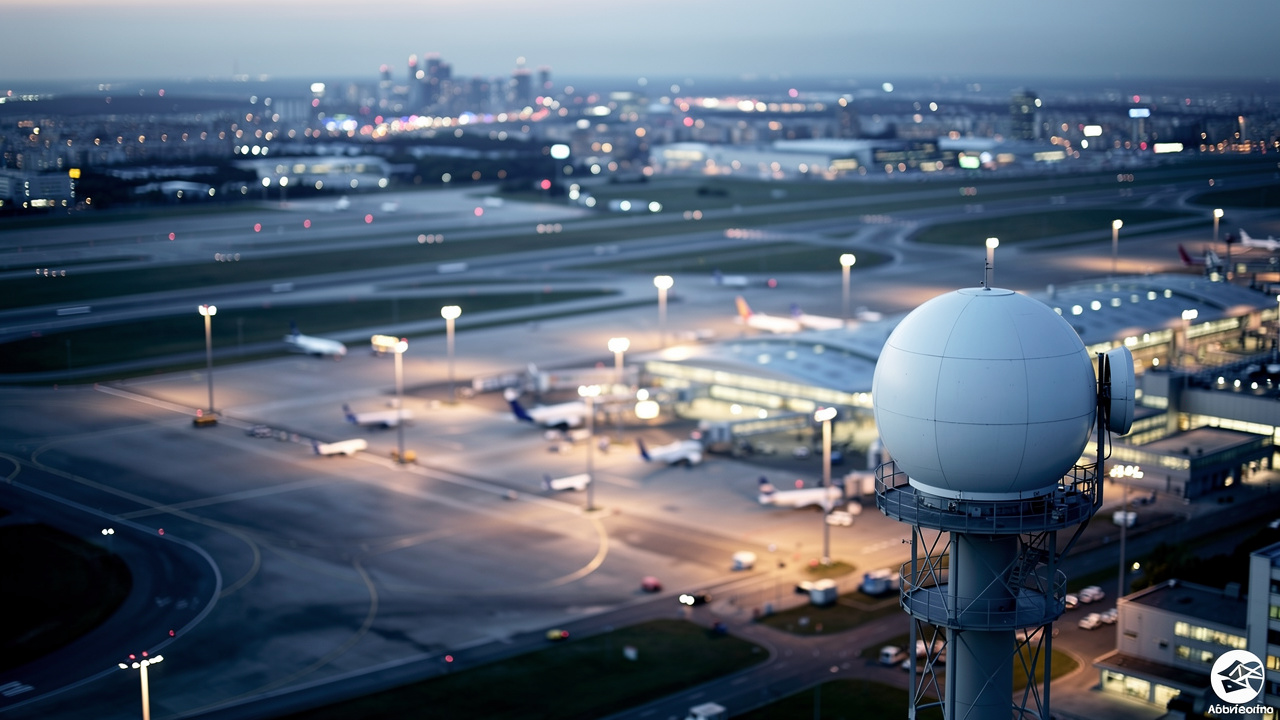
DFS channels offer a genuine benefit in one scenario: spectrum relief. In high-density environments with dozens of access points — like the Changi Airport facility running 80 APs — the 8 non-DFS channels at 80 MHz widths yield only 5 to 6 non-overlapping channels. Co-channel interference becomes unavoidable. Adding DFS channels expands the available pool, which can reduce interference for data-centric workloads like file transfers, cloud applications, and general browsing.
But the operational costs are real and significant.
Pros of DFS Channels
Expands available 5 GHz channels from 8 to 24, reducing co-channel interference in dense deployments
Provides additional spectrum for environments with heavy AP density (40+ APs in a single building)
Can improve baseline throughput for data workloads when non-DFS channels are heavily congested from neighboring networks
Cons of DFS Channels
When radar is detected, APs must vacate the channel within 200 milliseconds and cannot reuse it for 30 minutes, forcing all connected clients into an unplanned roam
DFS channel scanning requires passive scanning (~105ms per channel) versus active scanning (~20ms per channel) on non-DFS channels — slowing client roaming by up to 5x
False-positive radar detections can trigger the same 30-minute blackout even when no actual radar is present, adding unpredictability
Each AP reboot requires completing the full CAC process (up to 10 minutes) before 5 GHz becomes available again — a real issue during maintenance windows or power outages
For the 24/7 SOC near Changi Airport, a single radar event affecting multiple APs means dozens of clients simultaneously roaming across 16 DFS channels at 105ms per channel — an issue explored in studies using A Software-Defined and Distributed Wi-Fi channel-state information acquisition testbed to characterize such disruptions.
“Voice clients with jitter buffers of approximately 120ms will experience call drops during a full DFS channel rescan, which can take up to 4 seconds.” — Cisco Enterprise Wireless Design Documentation
With 80 MHz channel widths and only 5 to 6 non-overlapping channels across 80 APs, any DFS-triggered channel change doesn’t just affect one AP — it cascades. Neighboring APs competing for the same fallback channels amplify co-channel interference exactly when the network is most vulnerable.
Should You Enable or Disable DFS Channels?

The decision comes down to one question: does your network run real-time applications? Here is a clear framework.
Disable DFS channels when:
Your environment runs VoIP, video conferencing, real-time industrial controls, or SOC monitoring dashboards
Your facility is located near airports, military installations, or weather radar sites — as is directly the case with the Changi Airport scenario, where Singapore’s IMDA actively enforces DFS compliance to protect those radar systems
AP reboots during maintenance windows cannot tolerate 1 to 10 minutes of 5 GHz unavailability
Your clients include wireless medical devices or latency-sensitive IoT systems
The practical alternative is to operate exclusively on the 8 non-DFS channels (36, 40, 44, 48, 149, 153, 157, 161) at 20 MHz channel widths. This removes all radar-related risk while still delivering a clean, non-overlapping channel plan. Note that disabling DFS also typically requires disabling 160 MHz channel width, since wide-band 5 GHz operation depends on DFS spectrum.
Enable DFS channels when:
Your workload is primarily data-centric with no real-time voice or video requirements
Non-DFS channels in your area are heavily congested from neighboring networks
Your network management platform supports Radio Resource Management (RRM) or Automatic Radio Management (ARM) for automated fallback channel selection after a radar event
For future-proofed deployments that need wide-channel bandwidth without radar exposure, Wi-Fi 6E on the 6 GHz band is the right answer. The 6 GHz band carries no DFS requirements at all, offering ample channel availability even with 80 MHz or 160 MHz widths.
Before making any configuration changes, NETK5 conducts on-site Ekahau Wi-Fi surveys to evaluate which channels are actually viable at your specific site — accounting for local radar sources, neighboring networks, and physical interference — before any change in the router settings is made.
Wrapping Up

DFS channels expand your available 5 GHz spectrum, but they introduce regulatory-driven unpredictability that is unacceptable in mission-critical environments. The Changi Airport scenario illustrates this clearly — 80 APs on DFS channels near active radar infrastructure is a recipe for repeated service interruptions in an environment that cannot tolerate them.
The right channel plan starts with a proper site assessment, not a default router setting. NETK5’s team brings 15+ years of experience helping international businesses across Asia optimize their network infrastructure through on-site Wi-Fi surveys, channel tuning, and architecture suited to local compliance requirements. If you’re managing network infrastructure in Singapore, China, or across Asia-Pacific, get in touch with NETK5 to start with a proper site evaluation.
Frequently Asked Questions
What Is the DFS Wi-Fi Channels List for the 5 GHz Band?
The 16 DFS channels in the 5 GHz band are: 52, 56, 60, 64, 100, 104, 108, 112, 116, 120, 124, 128, 132, 136, 140, and 144. The 8 reliable non-DFS channels are 36, 40, 44, 48, 149, 153, 157, and 161. Channel 165 is technically non-DFS but is generally avoided due to interference risks.
Does Enabling DFS Channels Help With Wi-Fi Gaming Performance?
DFS channels can reduce congestion-related lag in dense environments, which may help gaming in heavily saturated areas. However, a radar-triggered channel change forces a 30-minute blackout and client rescan — a disruption that makes DFS channels unreliable for gaming or any other latency-sensitive activity.
Do Wi-Fi 6 Routers Support DFS Channels?
Yes. Wi-Fi 6 (802.11ax) operating on the 5 GHz band still uses DFS channels and is subject to the same CAC requirements and radar evacuation rules as older Wi-Fi standards. Wi-Fi 6E, which operates on the 6 GHz band, is the DFS-free alternative with ample channel availability.
How Does Radar Detection Work on DFS Channels?
After completing the initial CAC, an AP continuously monitors its DFS channel for radar signals — a detection process studied through Delay-Synchronous Wideband Channel Sounding techniques using off-the-shelf multi-antenna Wi-Fi devices. If radar is detected, the AP must evacuate the channel within 200 milliseconds and cannot reuse it for 30 minutes. False-positive detections — where non-radar signals are misidentified — trigger the same blackout, adding an additional reliability risk.
Should I Use DFS Channels for a UniFi Network Deployment?
UniFi supports RRM-based automatic channel fallback, which helps manage DFS disruptions by switching to an available channel after a radar event. That said, disabling DFS is still recommended for environments near radar sources or running real-time applications — regardless of the hardware brand used.






 English
  Chinese