

Slow Wi‑Fi in Office Buildings: Common Causes and Practical Fixes
Your office Wi-Fi slowdown likely stems from bandwidth congestion during peak hours, overcrowded meeting rooms, demanding cloud applications, outdated access points, or poor network optimization. You’ll experience dropped calls, buffering videos, and frustrated colleagues when these issues compound. Consider implementing network segmentation, upgrading to Wi-Fi 6/6E standards, deploying mesh systems, or establishing QoS policies. The solutions ahead will transform your workplace connectivity from frustrating to frictionless.
Key Takeaways
- Bandwidth congestion during peak hours requires implementing QoS settings and network segmentation for critical business functions.
- Legacy access points create bottlenecks that require upgrades to Wi-Fi 6/6E standards for improved throughput and performance.
- Meeting room Wi-Fi failures can be mitigated through additional access points and proper channel planning.
- Cloud applications strain networks and need minimum 25 Mbps download speeds with prioritized bandwidth allocation.
- Regular network assessments using tools like Ekahau AI Pro help identify capacity issues before they impact performance.
How Bandwidth Congestion Impacts Your Office Network Performance

When bandwidth congestion strikes your office network, performance deteriorates across multiple dimensions simultaneously. You’ll notice your throughput dropping below 70% of expected bandwidth—a clear signal of network congestion. During peak hours, your team experiences significant speed reductions as demand exceeds capacity, particularly when multiple bandwidth-intensive applications run concurrently. Implementing Quality of Service measures can help prioritize critical business traffic over less important data streams.
The symptoms cascade: data packets queue, causing increased latency and jitter that disrupt your VoIP calls and video conferences. When traffic exceeds available bandwidth, packet loss occurs—even at levels below your allocated bandwidth—triggering retransmissions that further strain your network. Your critical business operations slow down while applications timeout and cloud services become unreliable. This congestion particularly impacts your team during collaborative sessions when everyone needs responsive connections to maintain productivity.
Meeting Room Wi-Fi Challenges During Peak Usage Times
Meeting rooms face unique Wi-Fi challenges that intensify during peak usage times, creating performance bottlenecks for your business-critical applications. When meeting density exceeds capacity, your network struggles as channel utilization surpasses 60% and one-way latency climbs above 150ms, directly impacting video performance with frozen frames and audio dropouts from packet loss exceeding 1%. Implementing Wi-Fi 6 technology can significantly reduce these latency issues through its improved traffic management capabilities.
- Device Saturation – Each attendee brings multiple devices that consume bandwidth even when idle, rapidly depleting available throughput below 50 Mbps per user.
- Signal Competition – Roaming success rates fall under 99% as devices struggle to maintain ideal connections during mobility.
- Resource Contention – Background apps continuously transmit data, competing with your video conferencing traffic and causing signal-to-noise ratios to drop below 25 dB.
Cloud Applications and Their Effect on Office Network Speed

Cloud applications have become the backbone of modern office operations, yet they simultaneously represent one of the most significant burdens on your network infrastructure. When your team uses cloud services, each action—from file syncing to video conferencing—demands considerable bandwidth.
Your office requires at least 25 Mbps download and 3 Mbps upload speeds for basic cloud functionality. Background syncing processes constantly consume bandwidth, while real-time collaboration tools intensify cloud application latency during peak hours. Even idle cloud applications continuously transfer data, affecting your entire network’s performance. This continuous data transfer is characteristic of pay-as-you-go models where resources are allocated based on actual usage.
To mitigate these issues, implement proper bandwidth allocation through QoS settings that prioritize critical applications. For offices with 12-15 employees, consider upgrading to 100-150 Mbps connections. Strategic bandwidth management guarantees your team maintains productivity while leveraging cloud capabilities without compromising network performance.
Legacy Access Points: The Hidden Bottleneck in Modern Workplaces
While modern Wi-Fi networks promise exceptional speeds, your legacy access points likely constitute the most significant performance bottleneck in your office infrastructure. These outdated devices consume disproportionate airtime, forcing your entire network into inefficient protection modes and limiting throughput for all connected devices.
Legacy client impacts extend beyond just slower speeds:
- Management frames transmitted at 1-2 Mbps rates dominate airtime like the slowest speaker in a meeting, reducing efficiency for everyone
- Backward compatibility requirements force disabling of enterprise features like 802.11k/r/v/w that could otherwise enhance performance
- Overall network throughput remains capped despite Wi-Fi 7 deployments when legacy devices remain active
Research demonstrates that aggregate throughput increases significantly when more Wi-Fi 7 clients are added to the network environment.
To mitigate these issues, disable legacy data rates, implement band steering to 5/6 GHz, and develop a strategic client upgrade plan alongside AP refreshes.
Strategic Solutions for Optimizing Office Wi-Fi Capacity
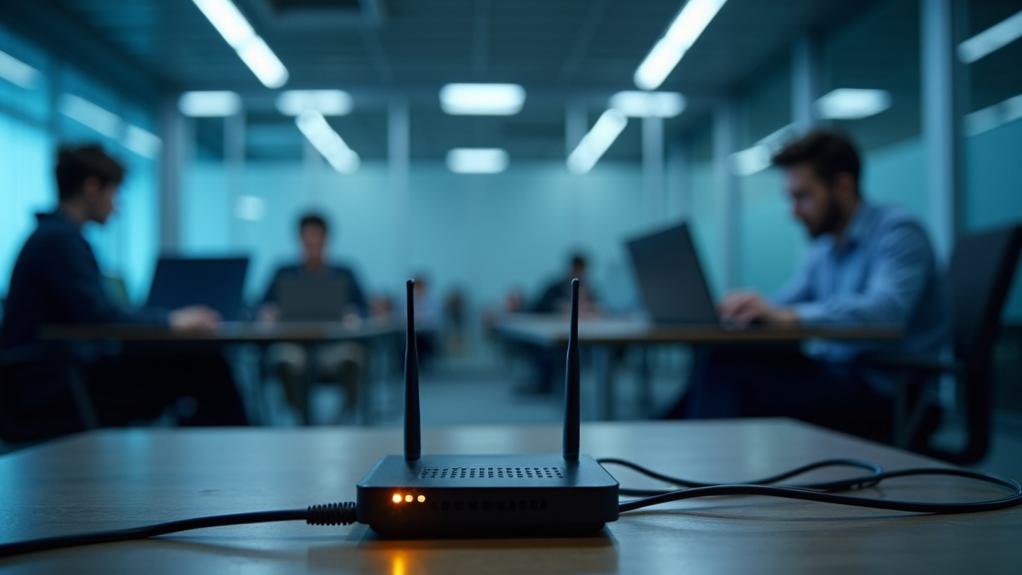
Despite considerable advances in Wi-Fi technology, office environments continue to face unique capacity challenges that require strategic, multi-faceted solutions. Implementing mesh networking systems eliminates dead zones while enabling seamless handoff during employee movement, enhancing user engagement throughout your space. Regularly scheduling WiFi usage reviews helps identify increased demands from new devices that may contribute to slowdowns before they become critical issues.
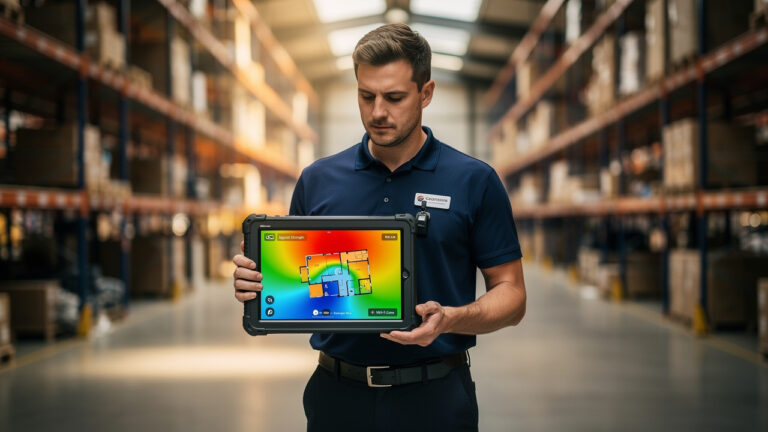
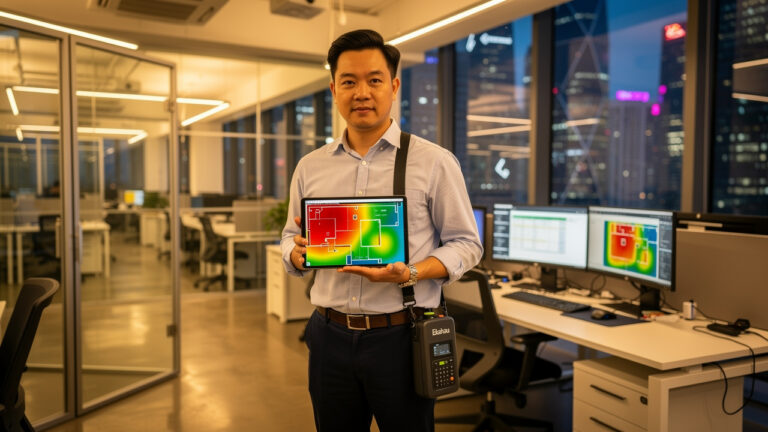
Network segmentation proves essential by dividing traffic into virtual networks, preventing bandwidth-intensive applications from impacting critical business functions. For precise location enhancement, leverage tools like Ekahau AI Pro to visualize capacity health through heatmaps, strategically placing access points in high-density zones.
Address interference by utilizing WiFi scanners to identify and avoid crowded channels. Finally, upgrade to Wi-Fi 6/6E standards for considerably higher data rates and reduced latency. Implement QoS settings to prioritize critical applications like video conferencing, ensuring ideal performance even during peak usage periods.
Frequently Asked Questions
How Can Mobile Devices Impact Office Wi-Fi Performance?
Your mobile devices impact Wi-Fi through excessive device density creating competition for spectrum resources, while intensive bandwidth usage from streaming and notifications degrades network throughput and transmission speed for everyone.
Does Office Furniture Placement Affect Wi-Fi Signal Strength?
Your furniture configuration greatly impacts Wi-Fi performance. Metal cabinets, dense shelving, and reflective surfaces create signal obstacles that absorb or deflect waves. You’ll need strategic placement to minimize these interference points.
Can Weather Conditions Influence Indoor Wi-Fi Reliability?
Weather impact on indoor Wi-Fi is real. You’ll notice signal interference during storms, extreme temperatures, and high humidity as they penetrate buildings, affecting your router’s performance and connection stability.
How Often Should Office Wi-Fi Equipment Be Replaced?
You’ll need to replace your Wi-Fi equipment every 3-5 years for peak performance. Your access points’ equipment lifespan shortens with higher traffic, while upgrade frequency increases with evolving technology standards and security requirements.
Are Mesh Wi-Fi Systems Better Than Traditional Routers for Offices?
Yes, mesh Wi-Fi systems outperform traditional routers for your office environment. You’ll eliminate dead zones through multi-node coverage—addressing router limitations while gaining mesh benefits like load distribution, scalability, and self-healing capabilities.
Conclusion
Your office’s Wi-Fi isn’t a static entity but a dynamic ecosystem that requires regular attention. Like clearing congested arteries, upgrading legacy access points and implementing bandwidth management unclogs your network’s flow. You’ll need to monitor cloud application usage, strategically position access points, and schedule capacity adjustments around peak meeting times. These precise calibrations transform your struggling network from a bottlenecked pipeline into an efficient data highway.

 English
  Chinese